A busy month across the whole Batalyse suite. Collect now exchanges measurement data directly with your partners’ Collect installations, Mind shows the supply chain right on the process-chain canvas, both products support sign-in with your organisation account, Data Analysis 2026.05 lets you pick your own curve colours — and EIS Analyzer 2.6.2 brings Arrhenius analysis.
Here is a quick tour of the most important new features released between 13 August and 15 September 2026.
Collect — share data with partners, standardize in one click
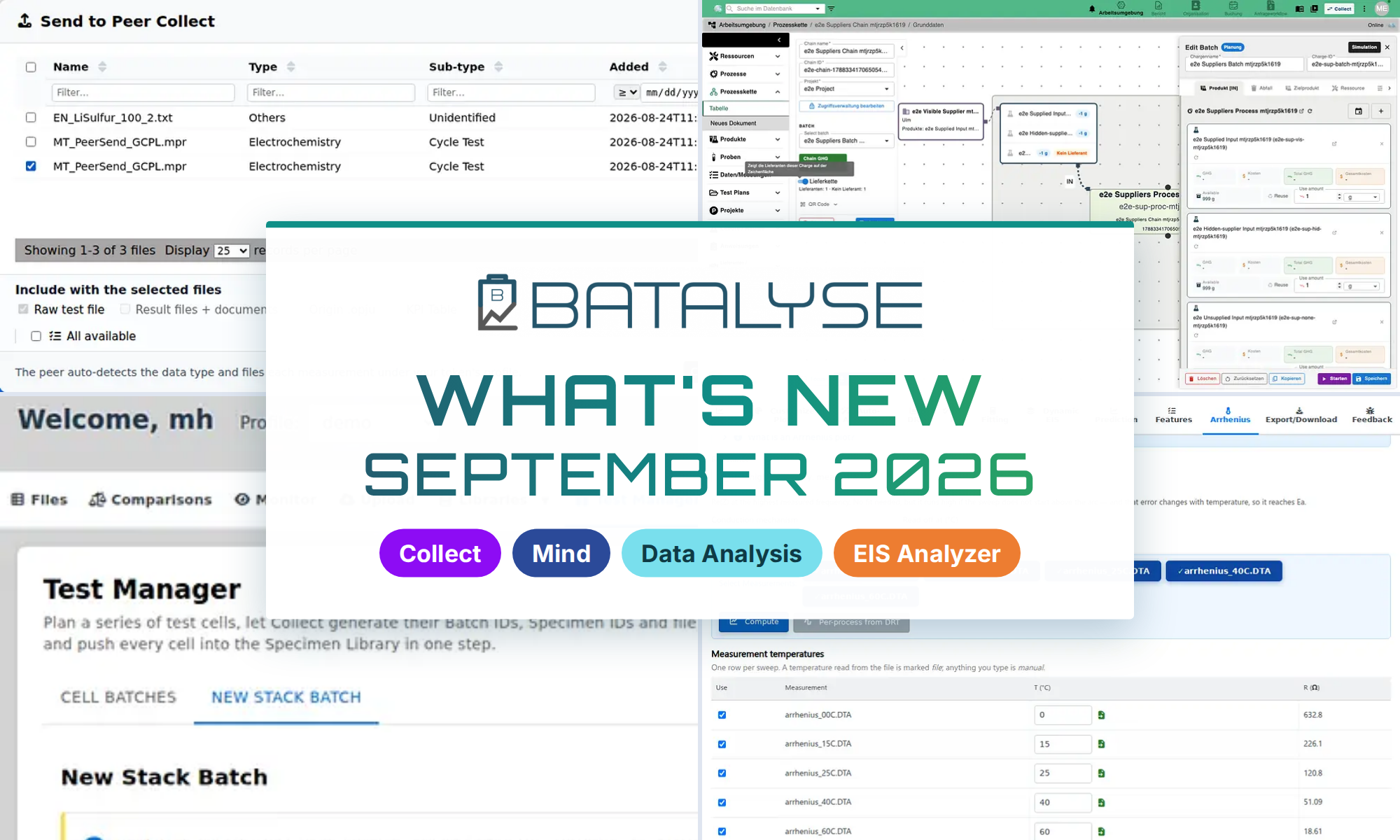
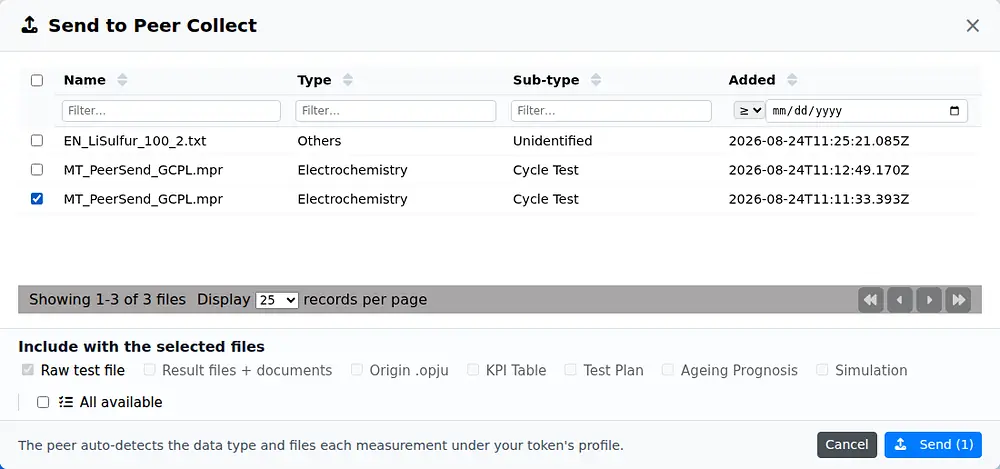
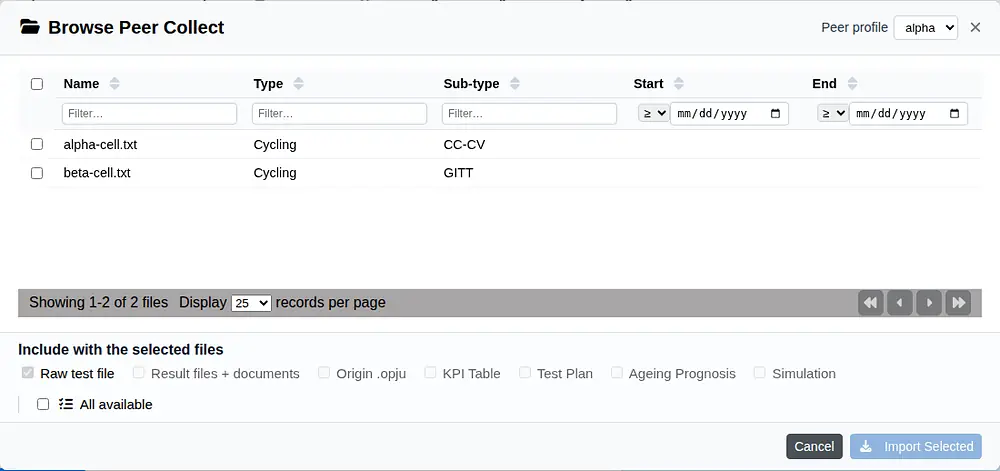
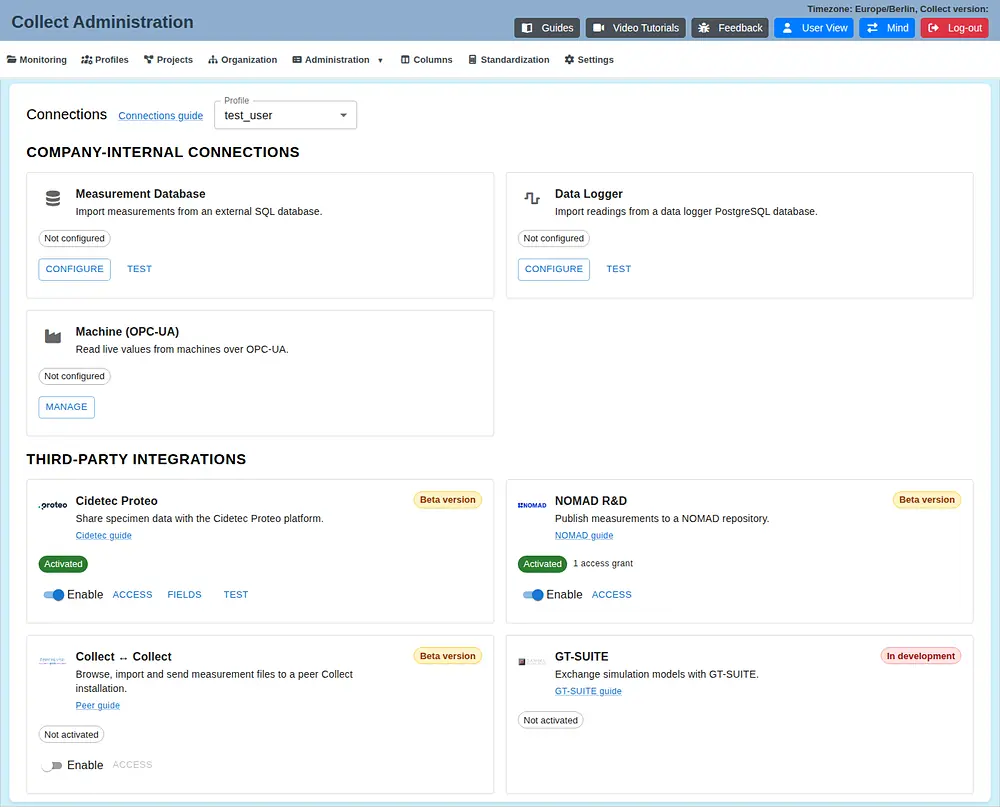
The biggest step for collaborative projects: one Collect installation can now connect directly to another. Partner companies and institutes that also use Collect can browse an allowed remote workspace, import measurement files or send files the other way — no exports, email attachments or shared drives in between. Both sides explicitly enable the link and decide what the other party may see.
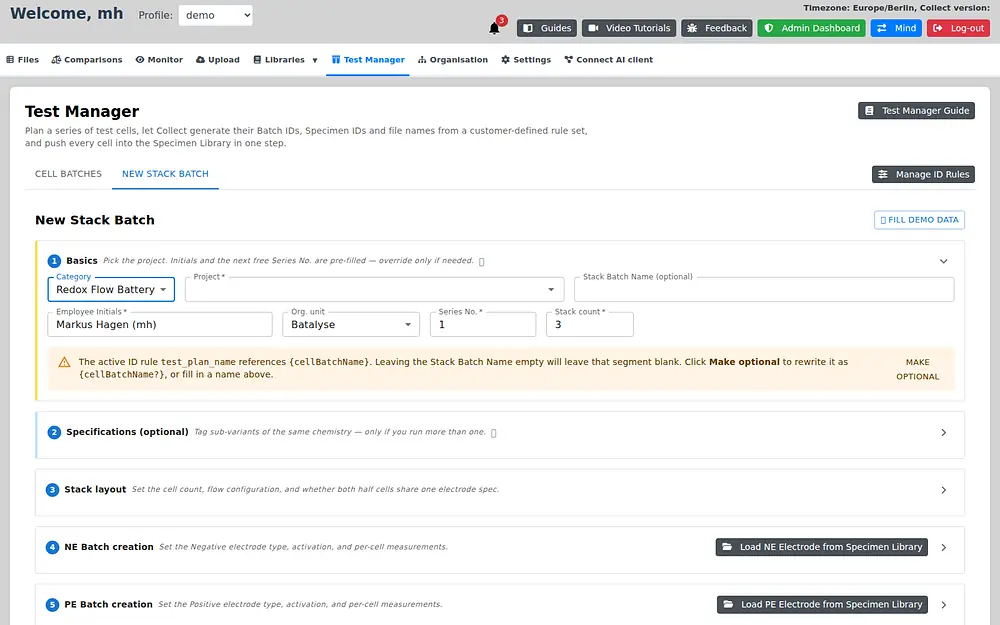
- More chemistries in the Test Manager — dedicated workflows for redox flow batteries (stacks, electrodes, membranes, half cells, bipolar plates) and for fuel cells and electrolysis, including reversible setups.
- Your own identifiers — IDs issued by another system can be typed or pasted from a spreadsheet column and carry on into the Specimen Library.
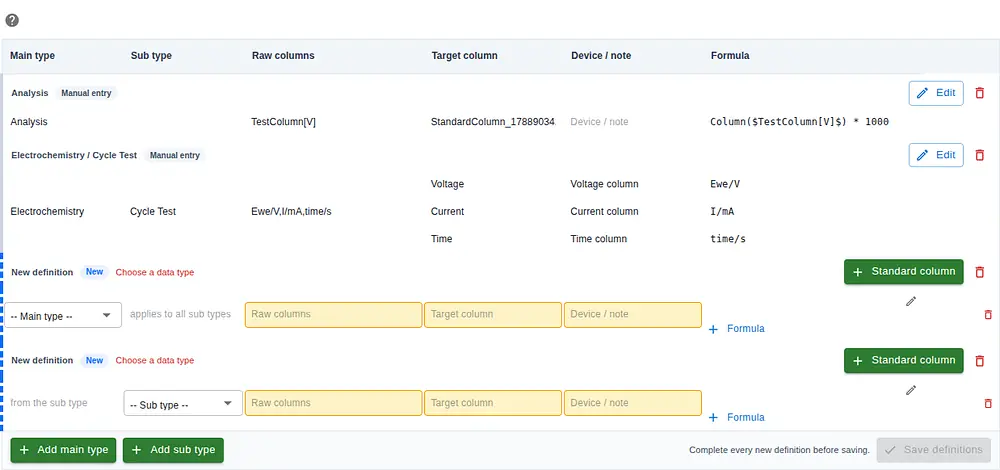
- One-click data standardization — a whole workspace can adopt the Batalyse, BDF or BEEP standard at once, with all built-in and custom definitions managed in one editable grid.
- All connections on one page — measurement databases, data loggers, OPC-UA equipment and partner integrations in one consistent overview.
- Projects with more context — link several suppliers, partners and customers, pick their contacts, and keep proposals and reports in a project Files tab shared with Mind.
Mind — see your supply chain on the canvas
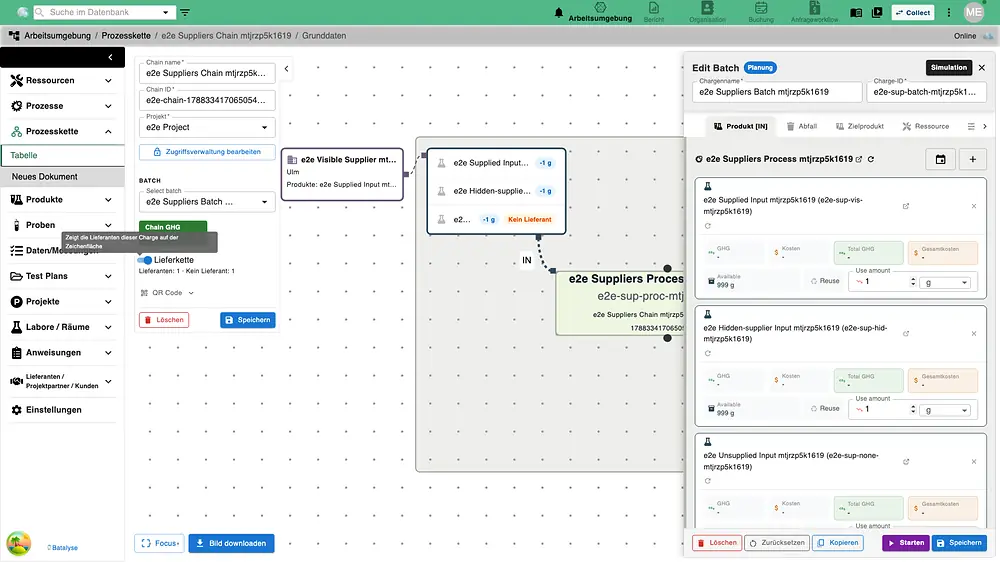
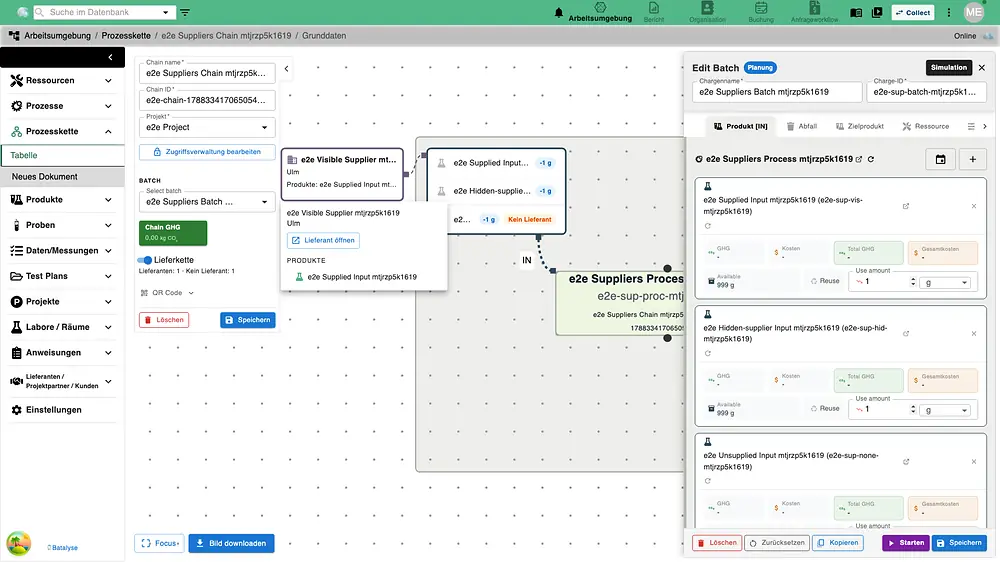
A process-chain batch can now show its suppliers directly on the canvas. Suppliers appear beside the products they deliver, inputs without a supplier are clearly marked, and a click on a supplier card shows its location, contacts and supplied products.
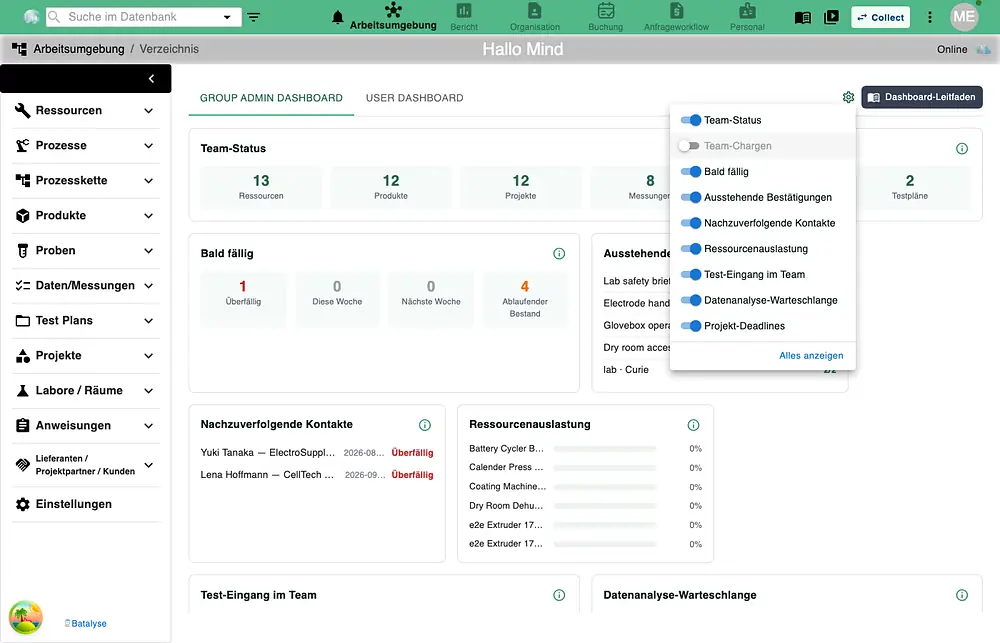
- A dashboard for every role — everyone lands on a dashboard tailored to their role, and each user can switch individual tiles on or off per tab.
- Companies get their own page — with main data, the products each supplier provides, and access management in one place.
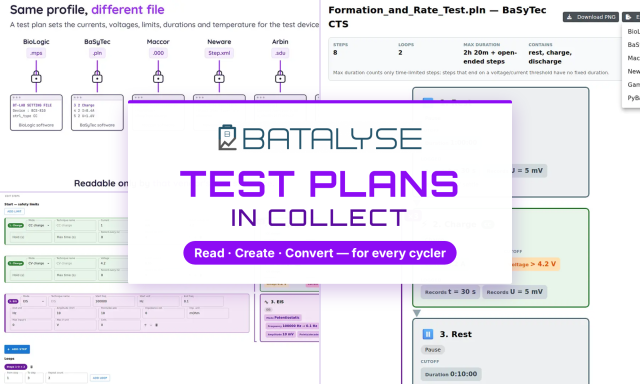
- One test-plan editor for Mind and Collect — plans created in either product reopen with all EIS steps, loops and limits intact.
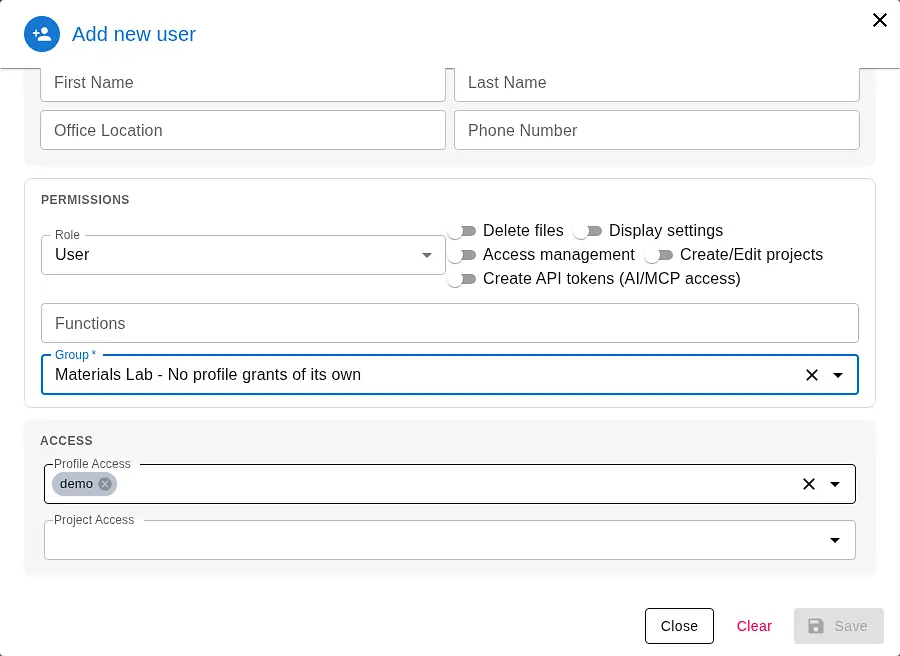
- Easier administration — workspace access is set while creating a user, and a fresh installation guides the first administrator through the remaining setup.
Sign in with your organisation account
Mind and Collect now support single sign-on (SSO) through your organisation’s identity provider, such as Microsoft Entra, alongside password and passkey sign-in. Administrators configure the provider and permitted email domains directly in the application, and a new External Login guide explains everything in all 14 languages.
Data Analysis 2026.05 — your colours, more data recognised
- Custom curve colours — choose your own colours for per-cycle curves; they are used across cycle, dQ/dV, EIS Bode, CV, temperature and many other graphs.
- Smarter pulse detection — pulses that a cycler records as several consecutive steps are recognised as one HPPC pulse.
- Cyclic voltammetry with a time column is now analysed as CV, and Landt/Lanhe data imports completely.
- Your parameters win — a new option keeps your own specimen parameters instead of values stored in the cycler database.
- Always know what is happening — progress stays visible during long exports and comparisons, and uploads to Collect resume where they stopped.
Download Data Analysis 2026.05 from the Data Analysis page.
EIS Analyzer 2.6.2 — activation energy from your EIS data
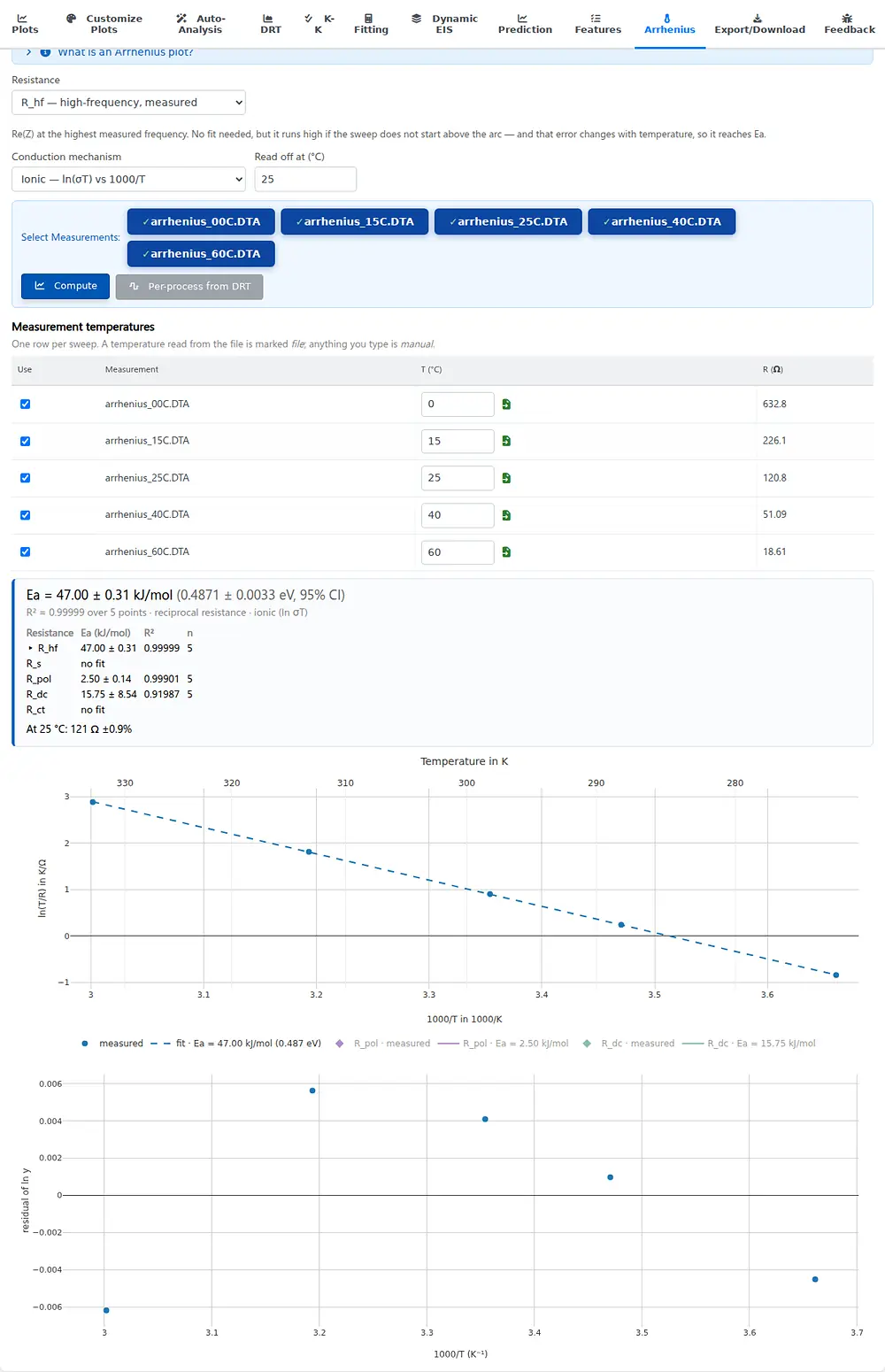
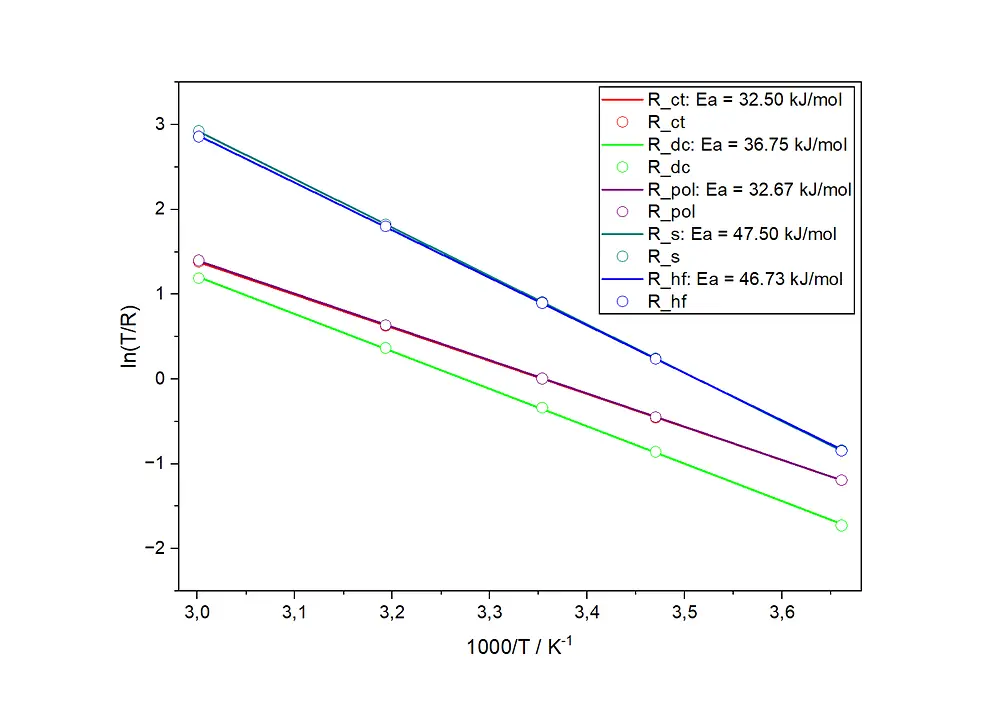
The new Arrhenius analysis turns spectra measured at several temperatures into an activation energy in kJ/mol and eV with a 95% confidence interval, fits every resistance side by side and carries the result into every export, including Origin. The same analysis is available in Collect’s EIS module. Read the full story in our EIS Analyzer 2.6.2 article.
Want to see the new features in action? Take a look at Collect, Mind, Data Analysis and the EIS Analyzer, or write to us at support@batalyse.com for a demo.